Inventory Management
Multi-unit support, batch tracking, expiry alerts, and Excel bulk import.
Offline-first accounting
Manage your inventory, POS, and ledgers with an offline-first app that puts business owners back in charge of their data.
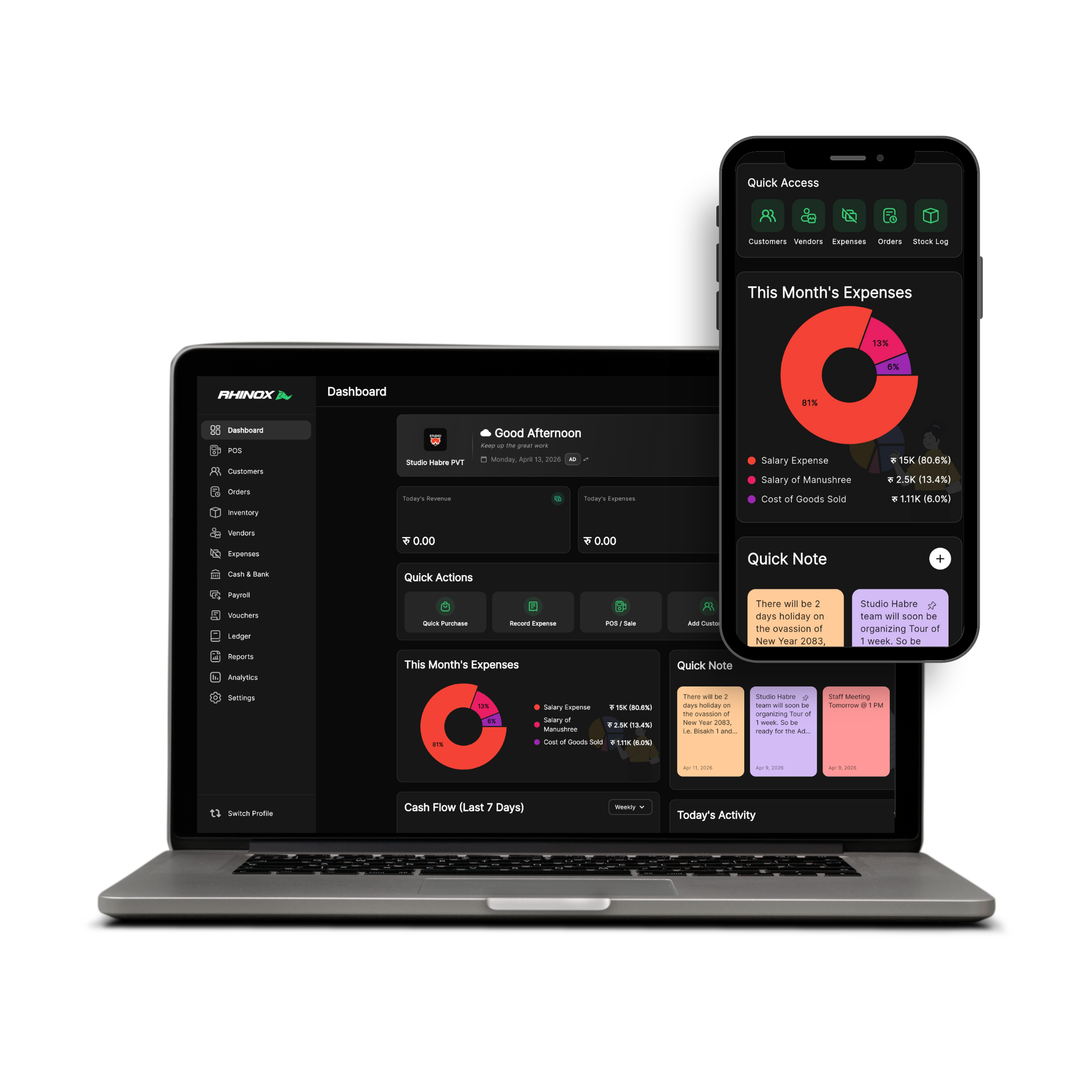
Real double-entry integrity, inventory depth, and POS speed — without handing your business data to the cloud by default.
Multi-unit support, batch tracking, expiry alerts, and Excel bulk import.
Rapid billing, discounts, taxes, split payments (Cash/Bank/UPI), and credit sales tracking.
Vouchers (Receipt/Payment/Contra), journal entries, and fiscal year closing.
P&L, balance sheets, trial balances, and sales trend charts.
One product philosophy: your desktop is the source of truth. Your phone keeps you informed when you step away.
Your data, your device, your business.
Start with a full-access trial. Upgrade when RhinoX Ledger fits your workflow.
Trial
7 Days
Full access
Free
6 Months
NPR 2,900
NPR 483.33 / month
1 Year
NPR 4,900
NPR 408.33 / month
2 Years
NPR 8,900
NPR 370.83 / month
Lifetime
NPR 14,900
One-time payment
Taxes may apply. Cloud sync is optional and under your control.
Get RhinoX Ledger on your desktop and stay connected on mobile when you choose to sync.
Note: If Windows SmartScreen appears, click "More Info" then "Run anyway" to proceed with the installation.